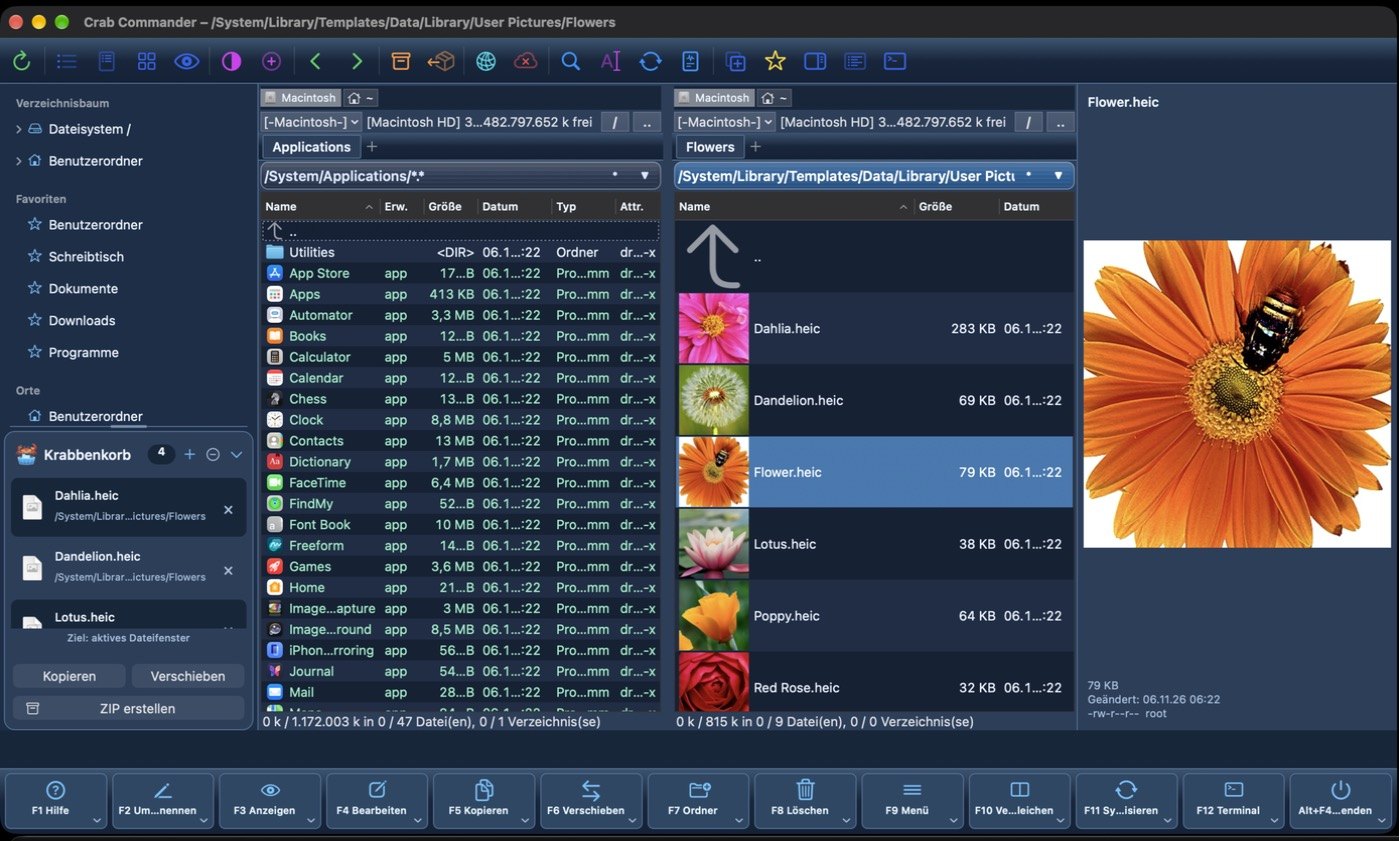
Eleven designs
From Glacier Light to Retro 95 – with custom pixel icons.
Crab Commander
The dual-pane file manager for your Mac.
Two panels. More control.
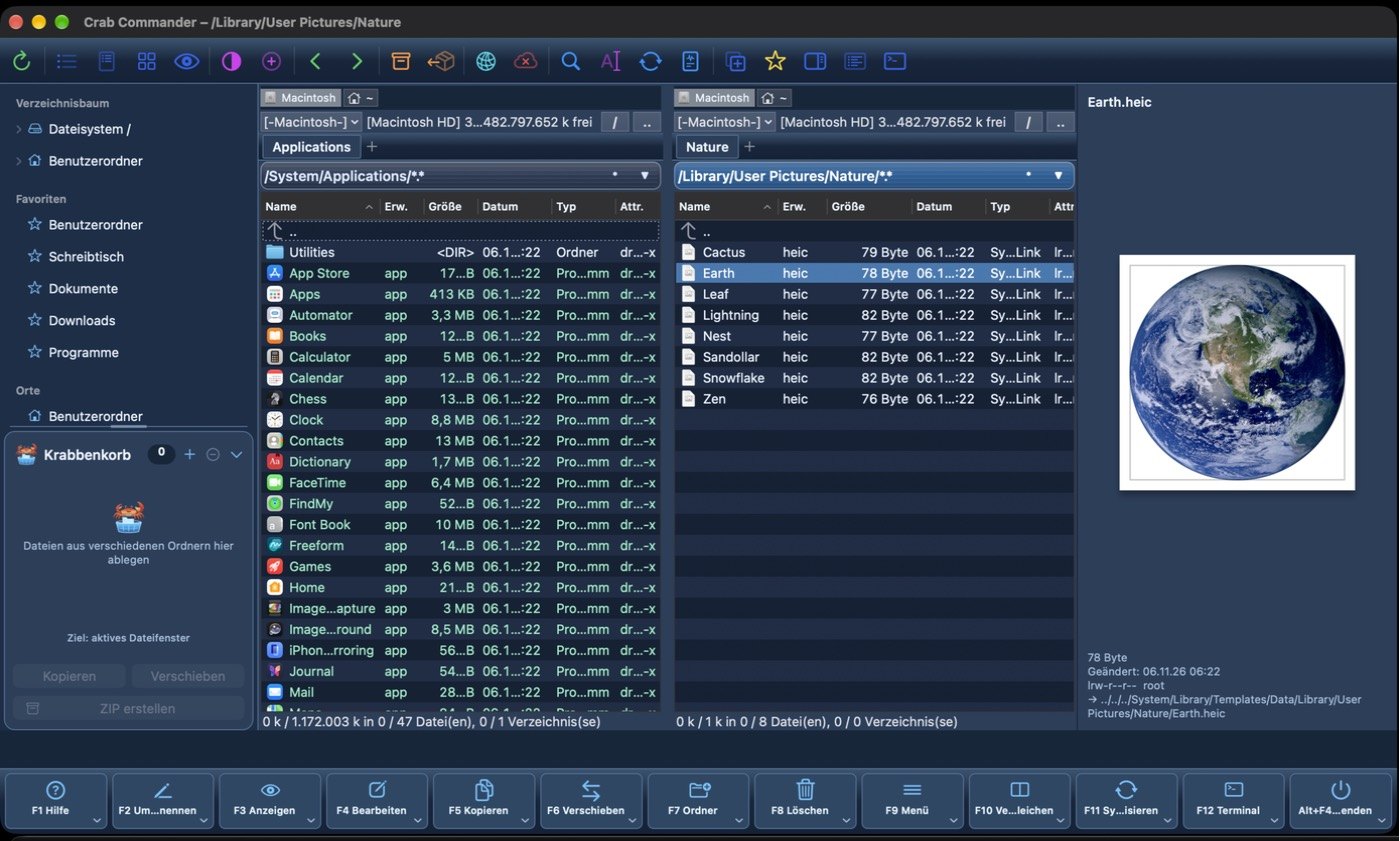
Crab Commander shows two folders side by side. The active panel is the source, the other one the target. Copy with F5, move with F6 – no hunting for windows, no reopening folders.
Crab Basket
Put files from as many folders as you like into the Crab Basket, then copy, move or zip them together into the active panel. Removing an item from the basket never deletes a file.
Crab SafeCopy
Crab SafeCopy verifies copies with SHA-256 by default, backs up overwritten files in the SafeVault and keeps a journal. Interrupted operations and backups are listed in the Crab Recovery Center.
Crab Sync Studio
Synchronize two folders one way or both ways: every planned action is listed before you start. Deleting on the target side requires a separate opt-in and confirmation.
Multi-Rename Tool
Placeholders for name, extension, counter and date, search and replace with regular expressions, and a live preview of every new name – before a single file is renamed.
From Glacier Light to Retro 95 – with custom pixel icons.
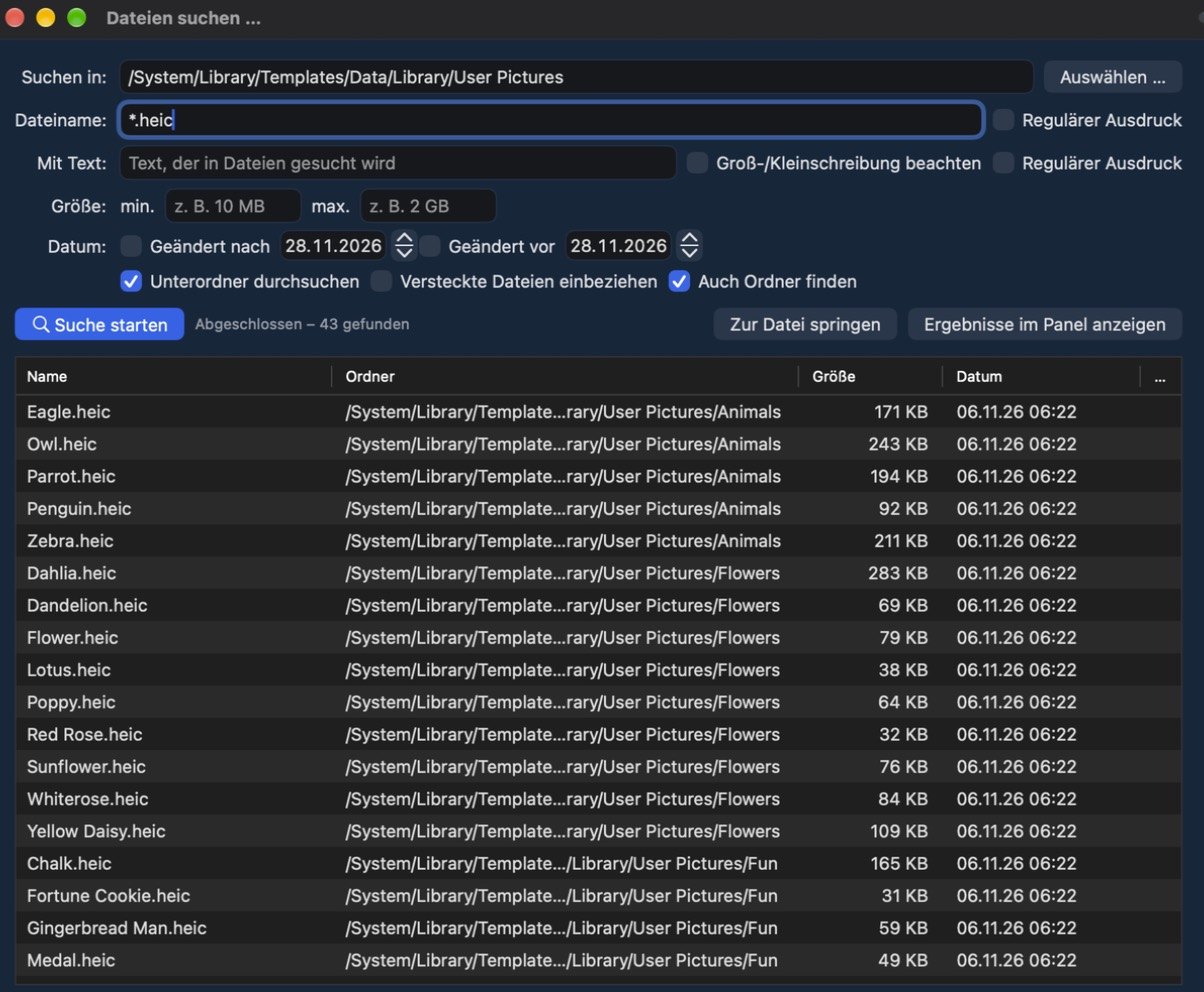
Name, wildcards, regex, size, date and content.
Create ZIP, TAR and TAR.GZ, extract common formats and browse archives like folders.
Create and verify checksums, find duplicates by content.
HEX and ASCII side by side, with search and a byte inspector.
Passwords are stored only in the macOS Keychain.
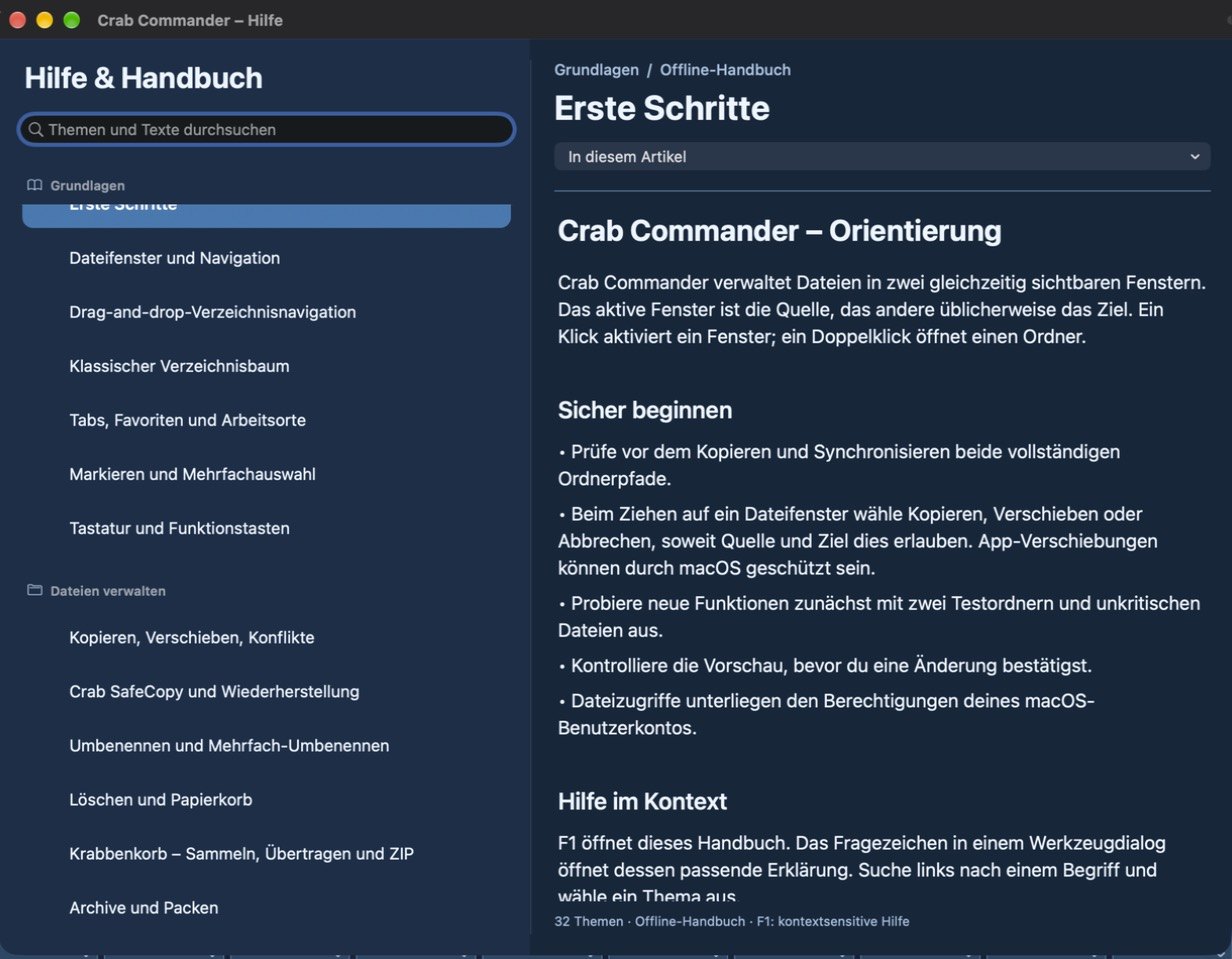
32 topics in English and German; F1 opens the matching help.
Images and documents right next to the file lists – with Quick Look.
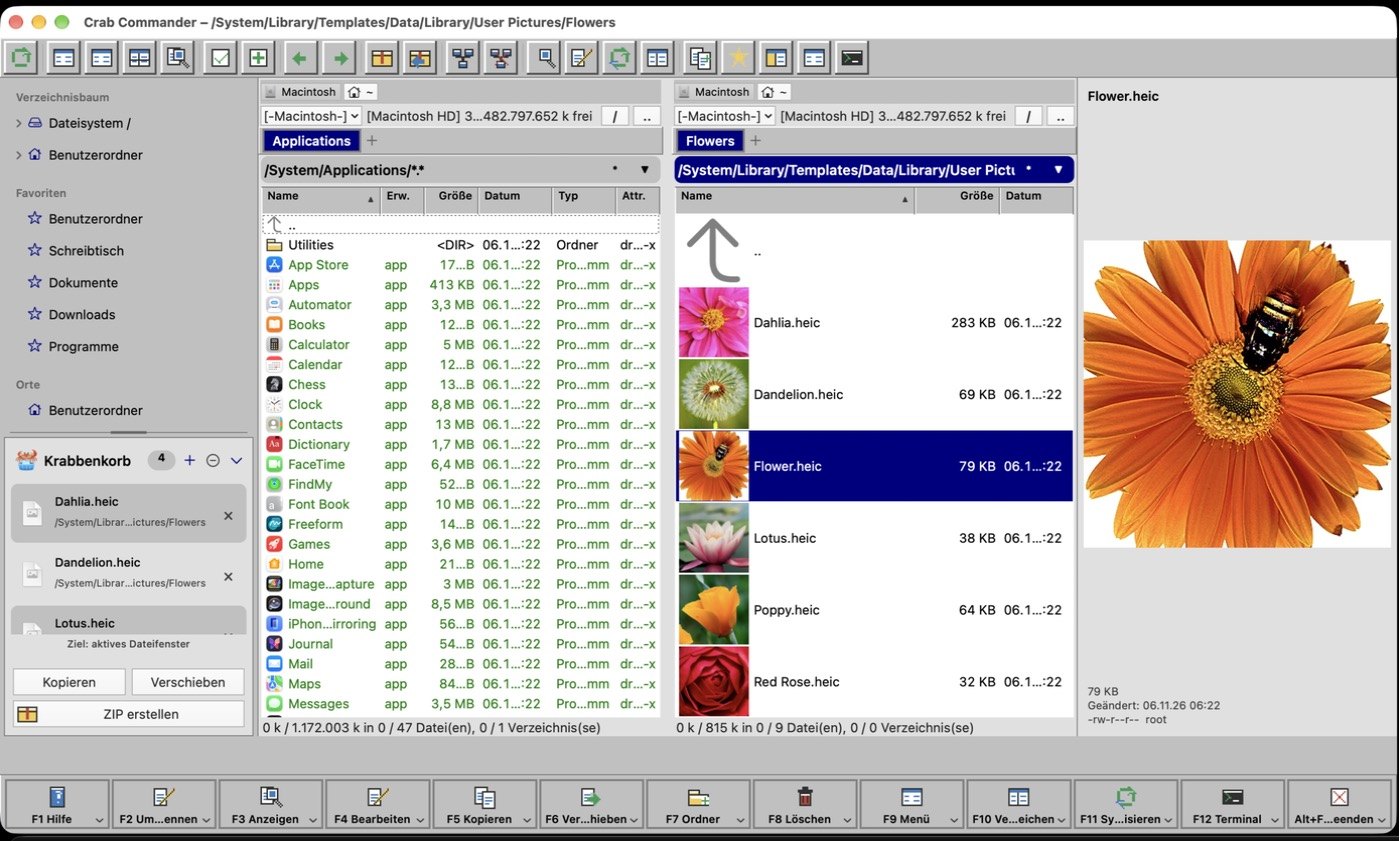
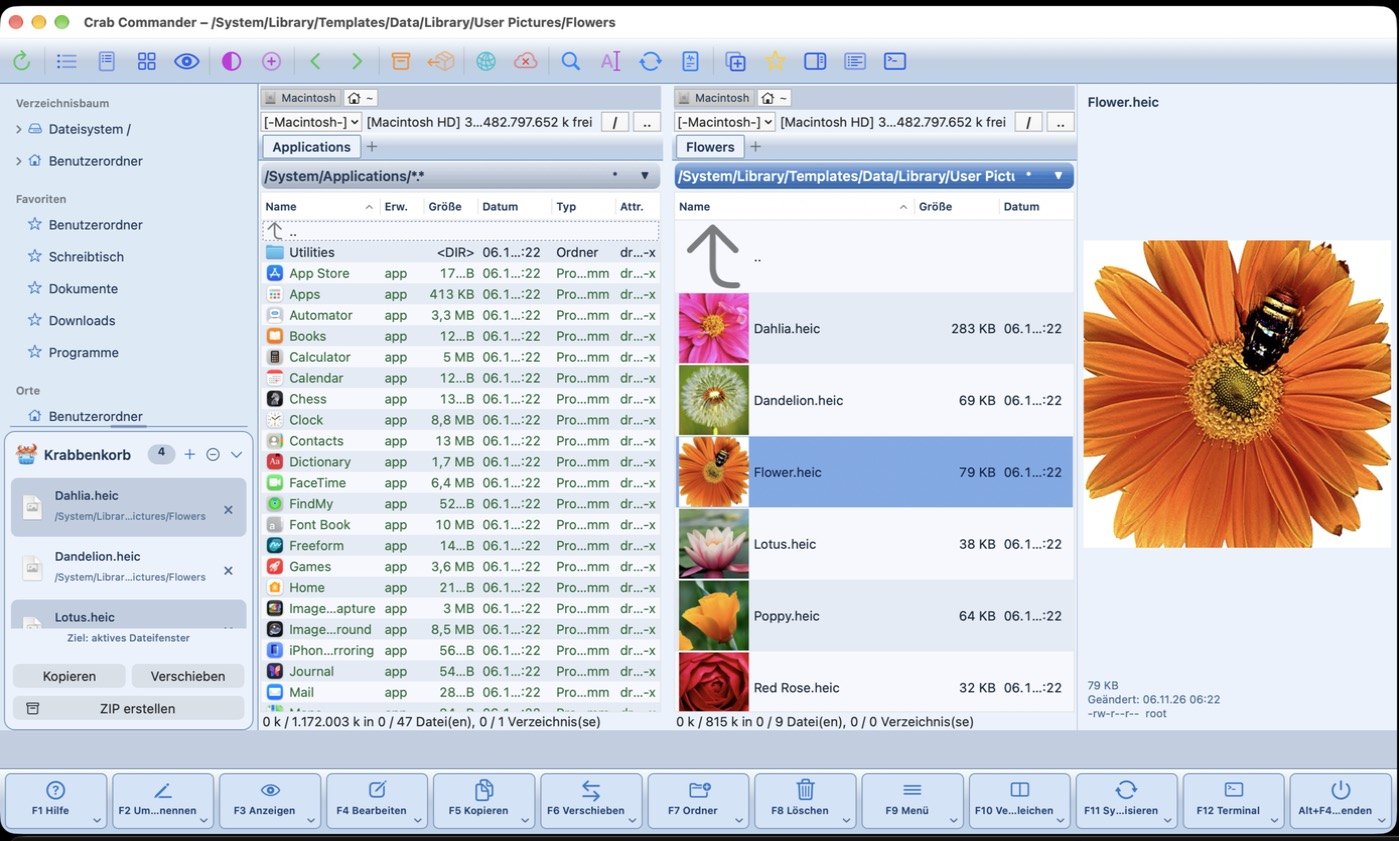
Light meets Dark
The same scene in the Glacier Light and Glacier Dark designs. Drag the slider.
Designed for Mac
Written in Swift with AppKit, complemented by SwiftUI views.
The preview column and Quick Look use the macOS preview engine.
Server credentials are stored in the macOS Keychain.
The “System” design follows the macOS appearance.
The current version is a test candidate. As soon as a verified release is published, you will find it on the download page.
View download status